AITools

Browse AI Tools

313 tools found

Explain by Whybug

Explain by Whybug

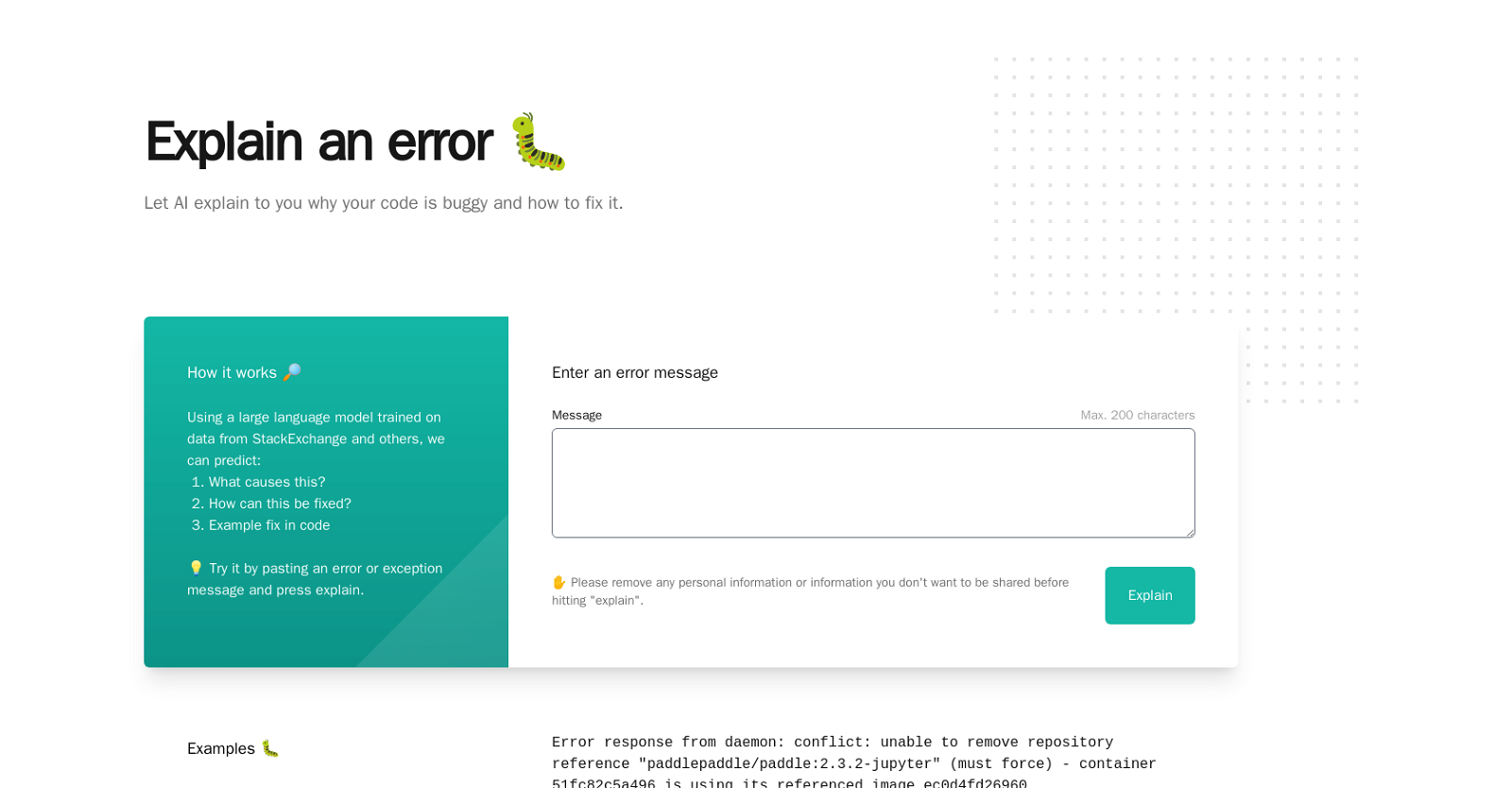
Explain by Whybug is an AI tool designed to analyze and explain errors in your code. This tool is powered by a sophisticated language model that's trained on da

# Freemium# Developer Tools# debugging
Playrun

Playrun

Playrun is an automated tool designed to identify and rectify bugs within an application before they are encountered by users. It acts primarily as a testing se

# Freemium# Developer Tools# debugging
Decipher

Decipher

Decipher is a next-gen Sentry replacement that helps you uncover, prioritize, and debug production issues faster. Real Product Impact Decipher determined the r

# Freemium# Developer Tools# debugging
UnfoldAI

UnfoldAI

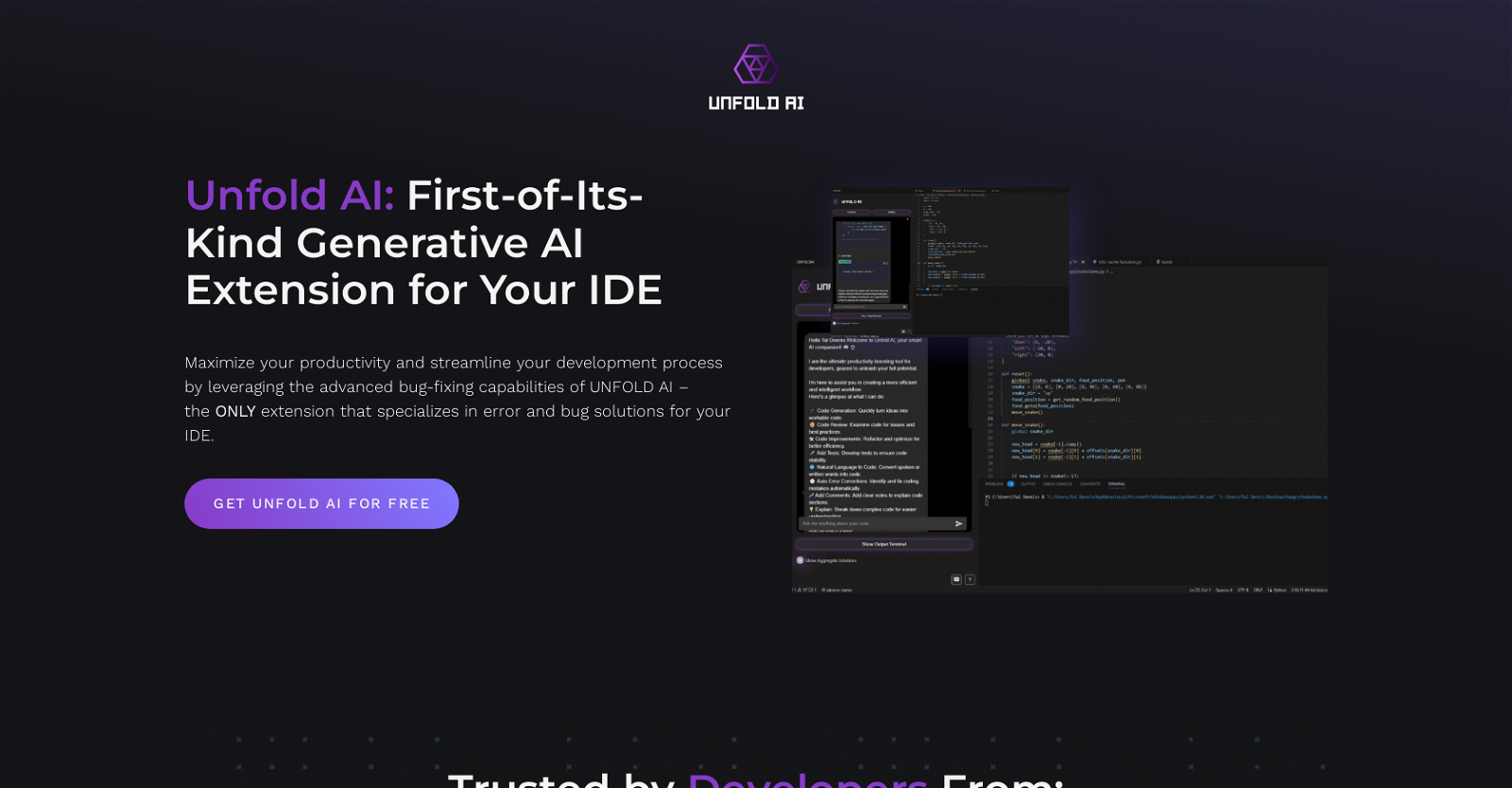
Unfold AI is a generative AI tool designed for developers using the Visual Studio Code IDE. It offers real-time bug and error solutions to enhance productivity

# Freemium# Developer Tools# debugging
DevLensPro

DevLensPro

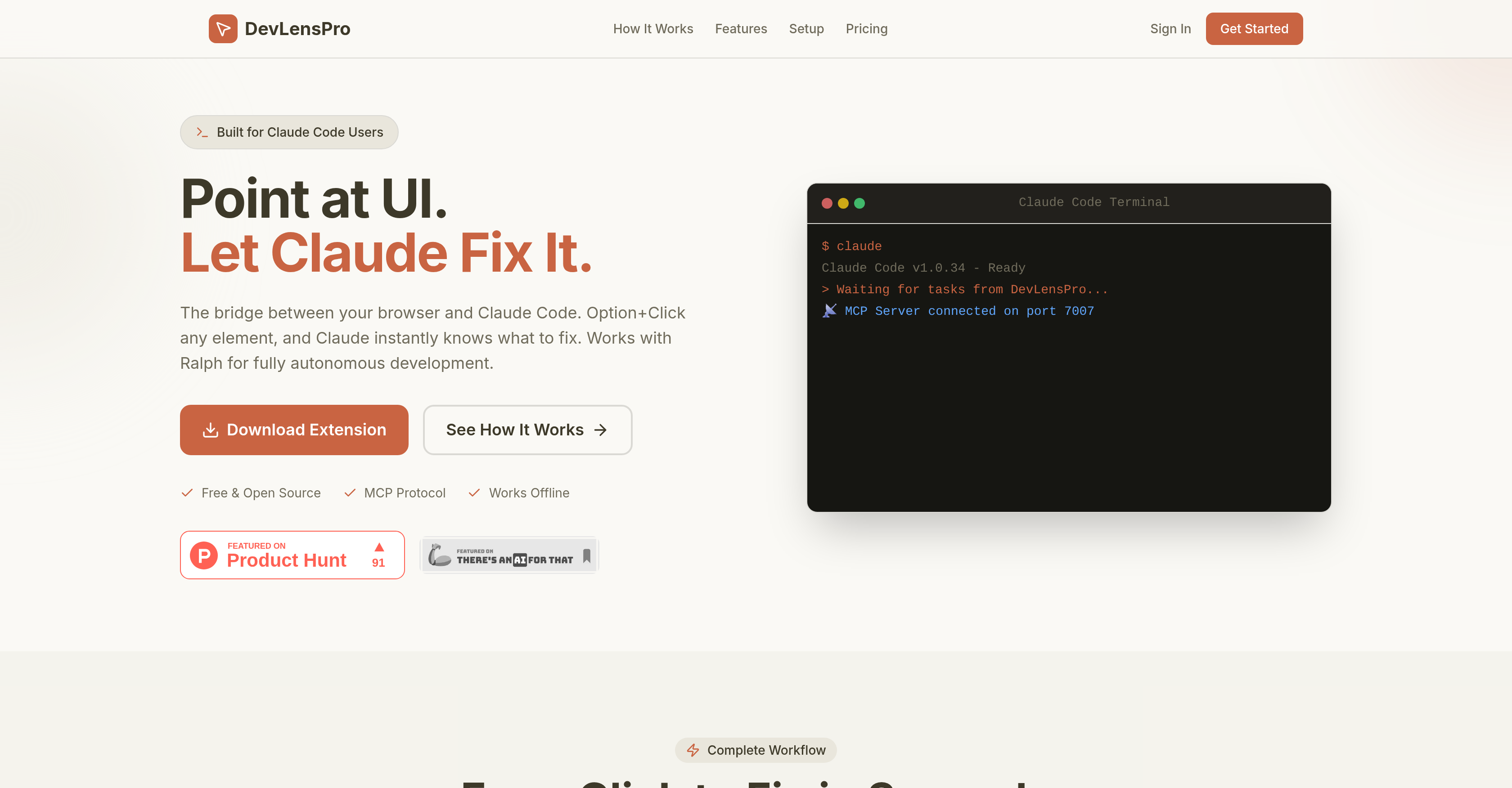
DevLensPro is a tool designed to streamline the process of debugging code. It functions as a bridge between your web browser and Claude Code, a code editor and
# Freemium# Developer Tools# debugging
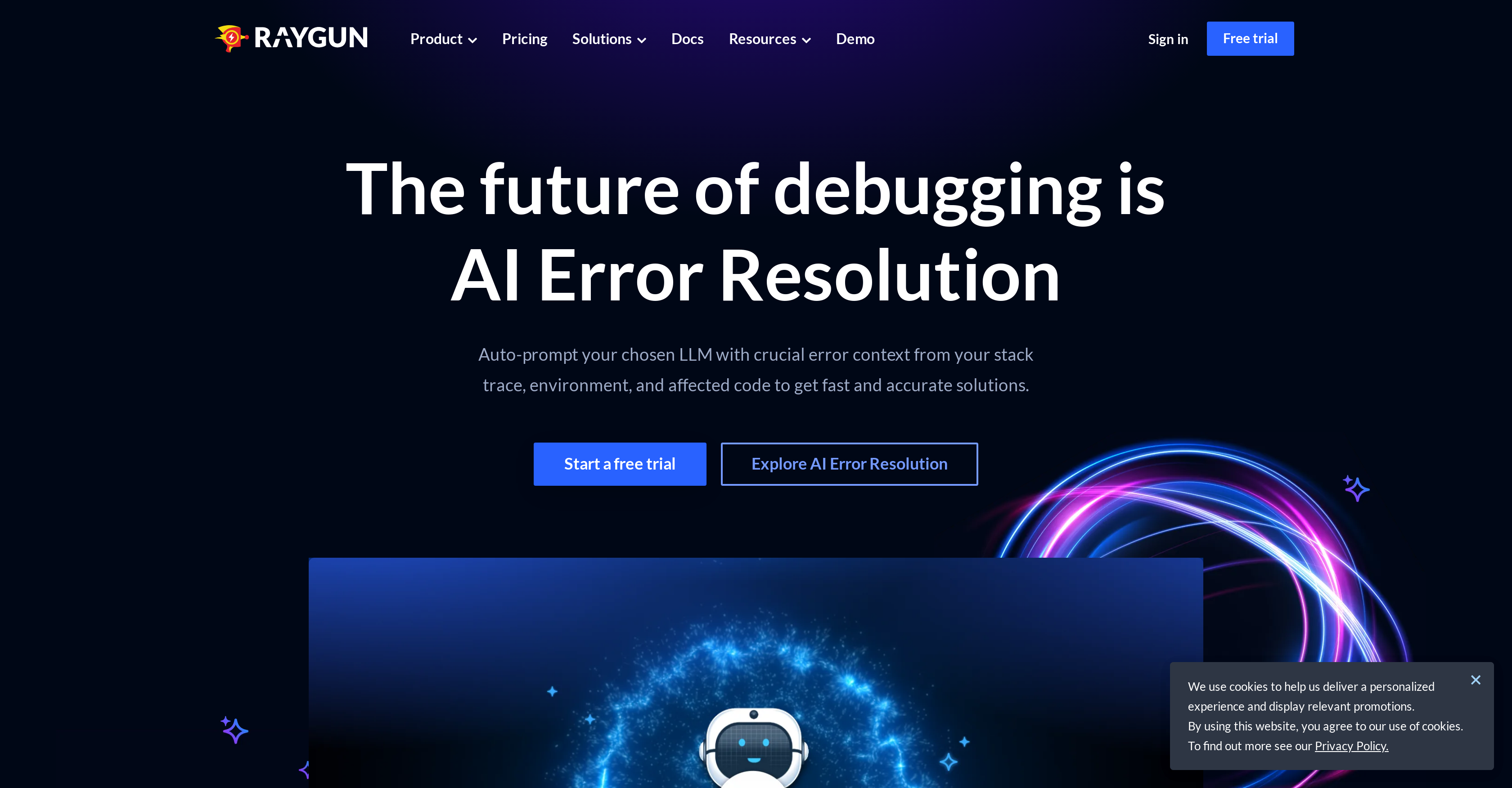
Raygun

Raygun

AI tool for debugging

# Freemium# Developer Tools# debugging
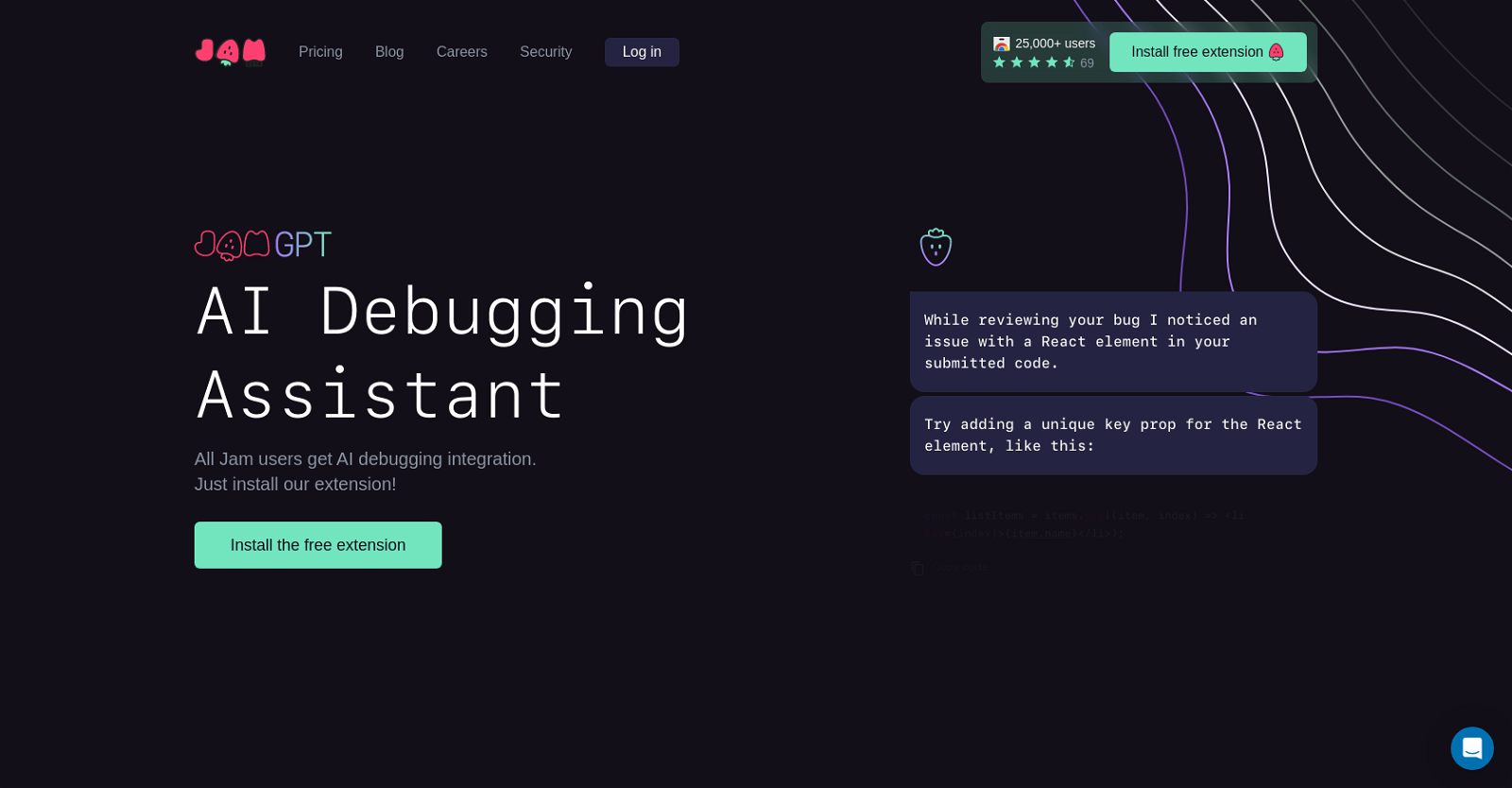
Jam

Jam

AI tool for debugging

# Freemium# Developer Tools# debugging
Anycode AI

Anycode AI

AI tool for debugging

# Freemium# Developer Tools# debugging
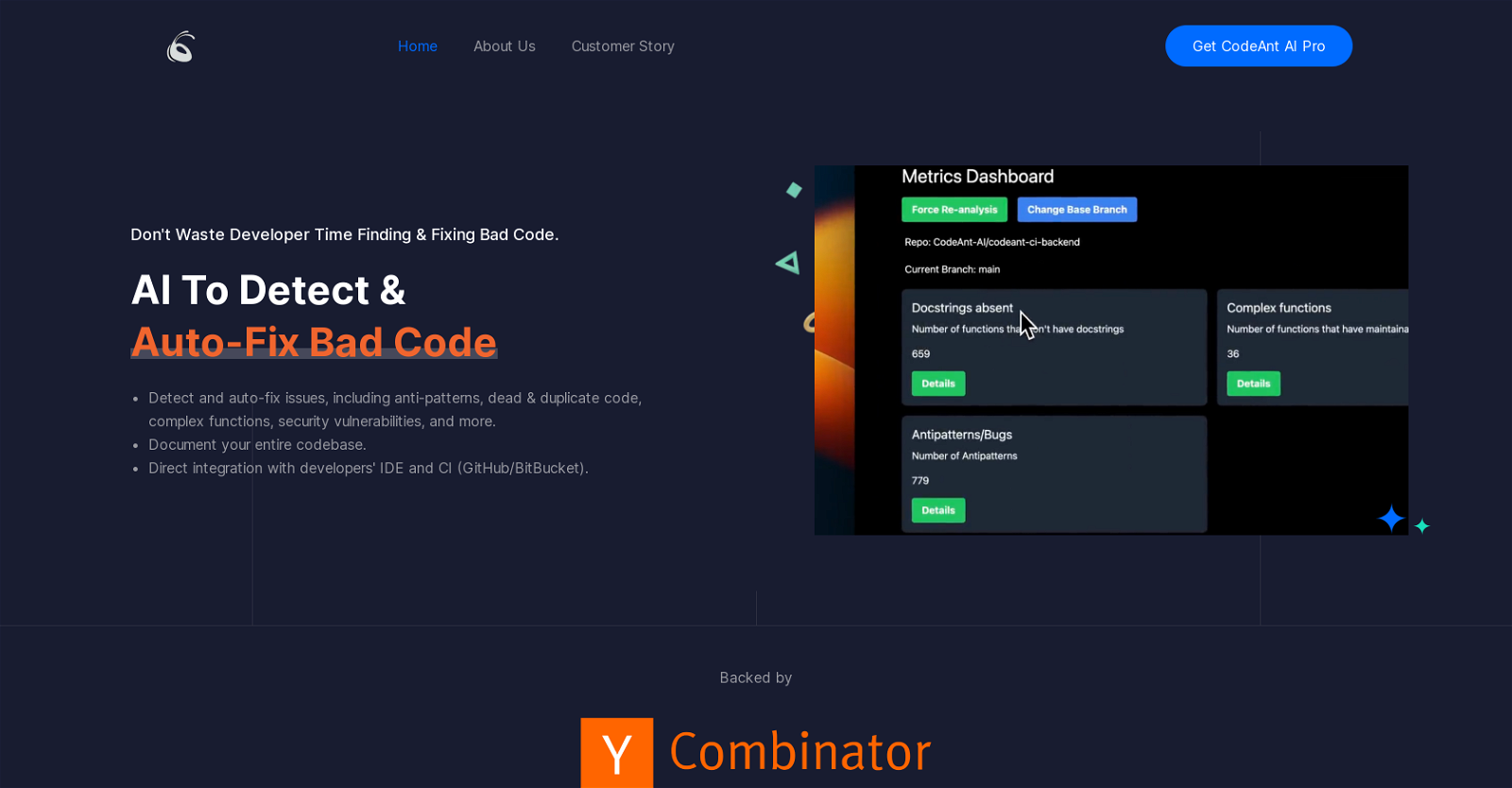
CodeAnt AI

CodeAnt AI

AI tool for debugging

# Freemium# Developer Tools# debugging
Flytrap AI

Flytrap AI

AI tool for debugging

# Freemium# Developer Tools# debugging
Corgea

Corgea

Corgea is an artificial intelligence-based tool designed to aid security teams in issuing fixes for vulnerable code. The platform uses AI to generate patches or

# Freemium# Developer Tools# debugging
Sentry Seer AI

Sentry Seer AI

AI tool for debugging

# Freemium# Developer Tools# debugging
HelpMoji

HelpMoji

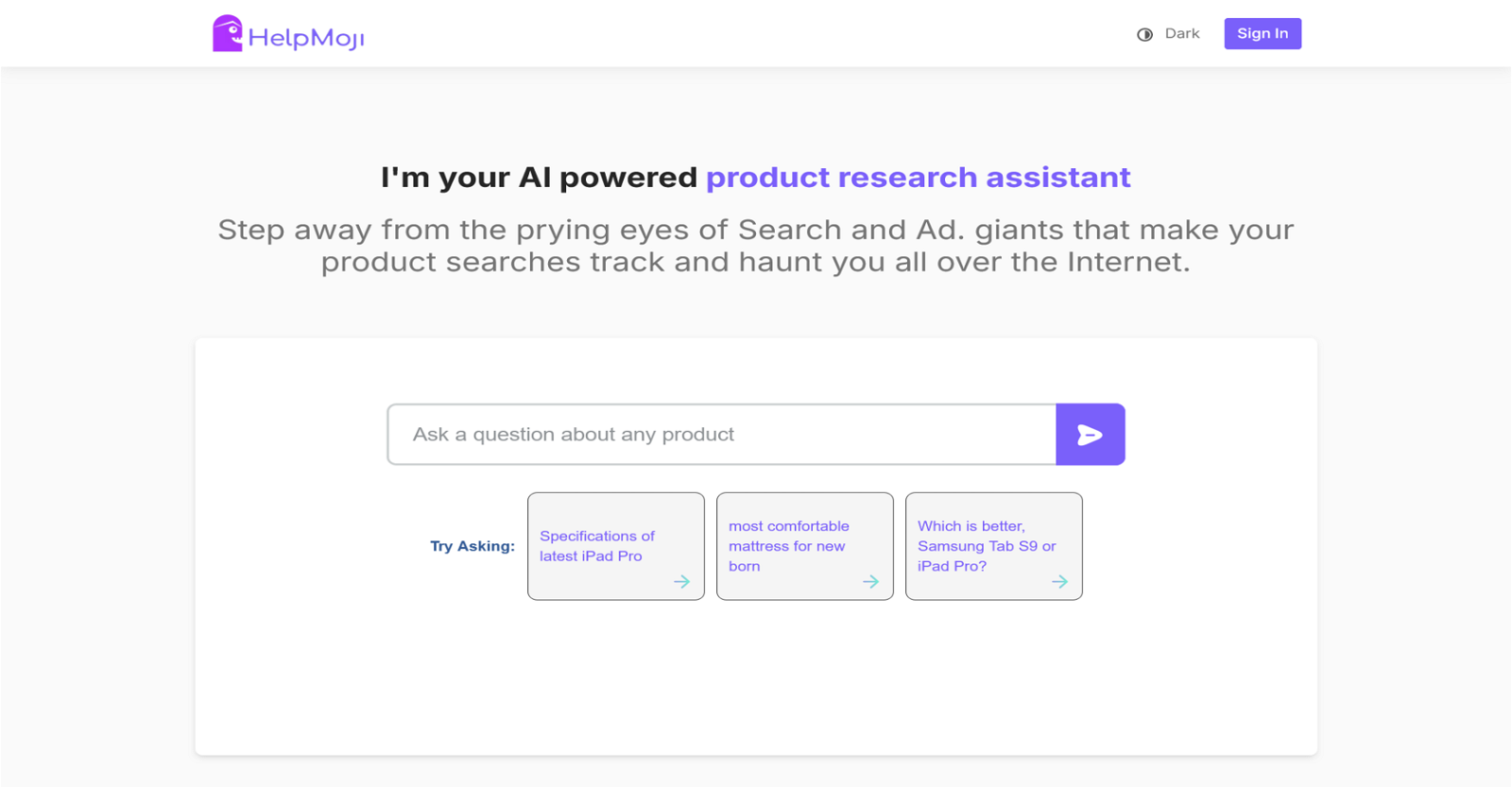
HelpMoji offers quick and reliable solutions for most mobile app related problems. Whether it’s a frozen screen, a mysterious error message, or an unresponsive

# Freemium# Developer Tools# debugging
DebugPT

DebugPT

DebuGPT is an AI-powered desktop application designed to assist programmers in debugging their code. It is a personal debugger that uses AI algorithms to automa

# Freemium# Developer Tools# debugging
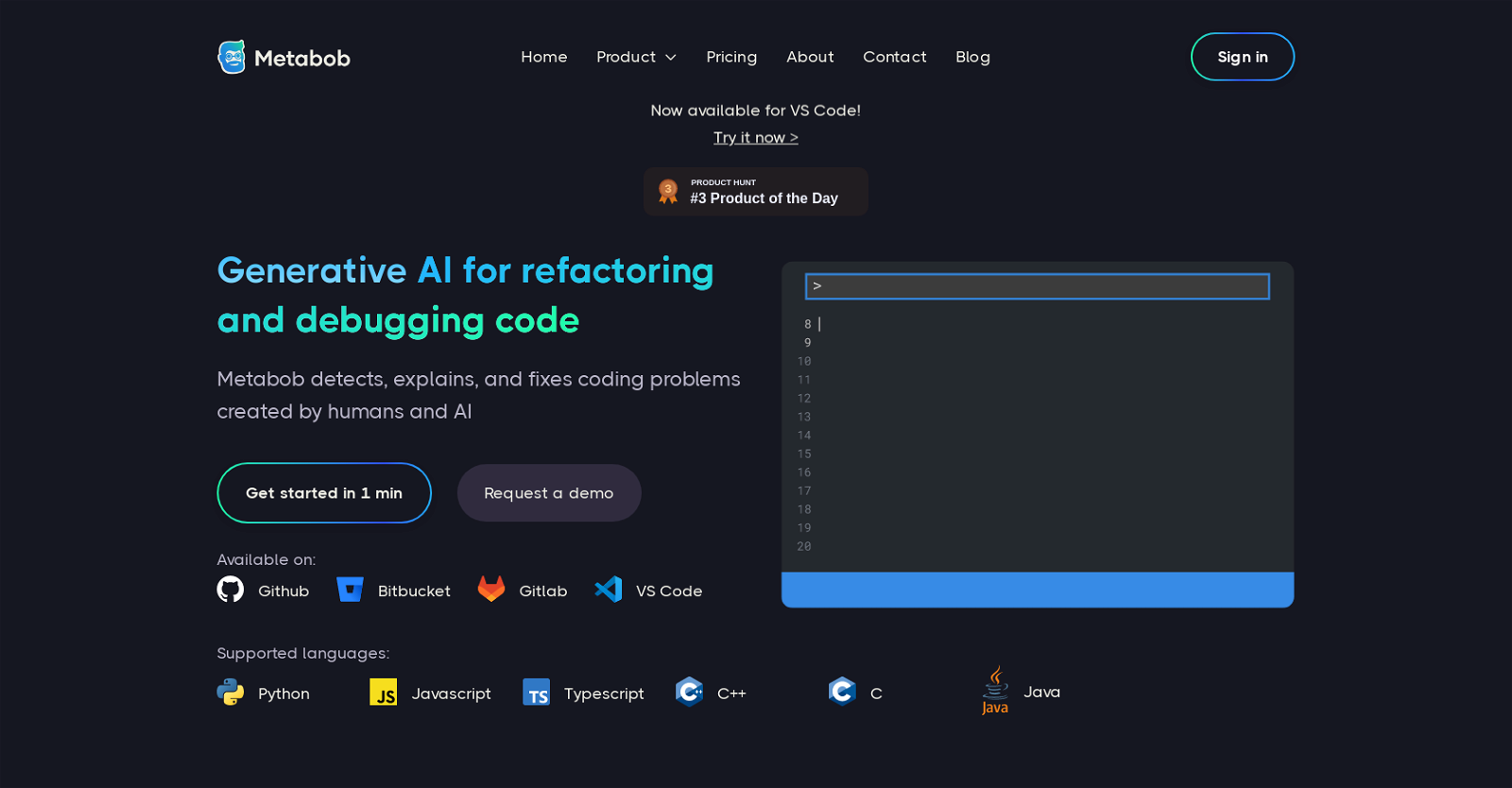
Metabob

Metabob

Metabob is an AI tool that uses generative AI and graph-attention networks to facilitate code review and improve software security. The tool detects, explains,

# Freemium# Developer Tools# debugging
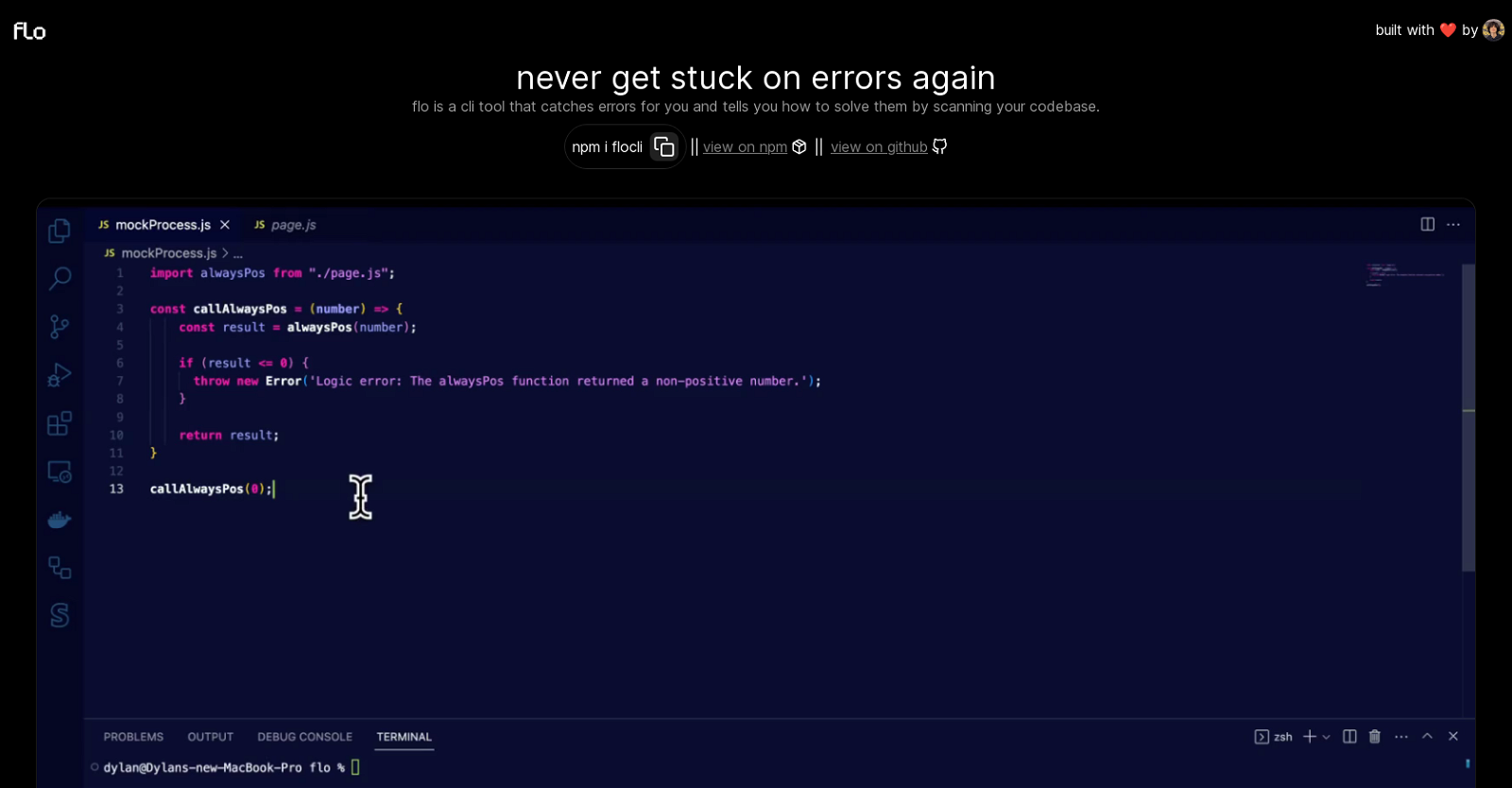
Flo

Flo

flo is a command-line interface (CLI) tool designed to aid developers by catching programming errors. Once identified, it provides insights on how to resolve th

# Freemium# Developer Tools# debugging
Autoblocks

Autoblocks

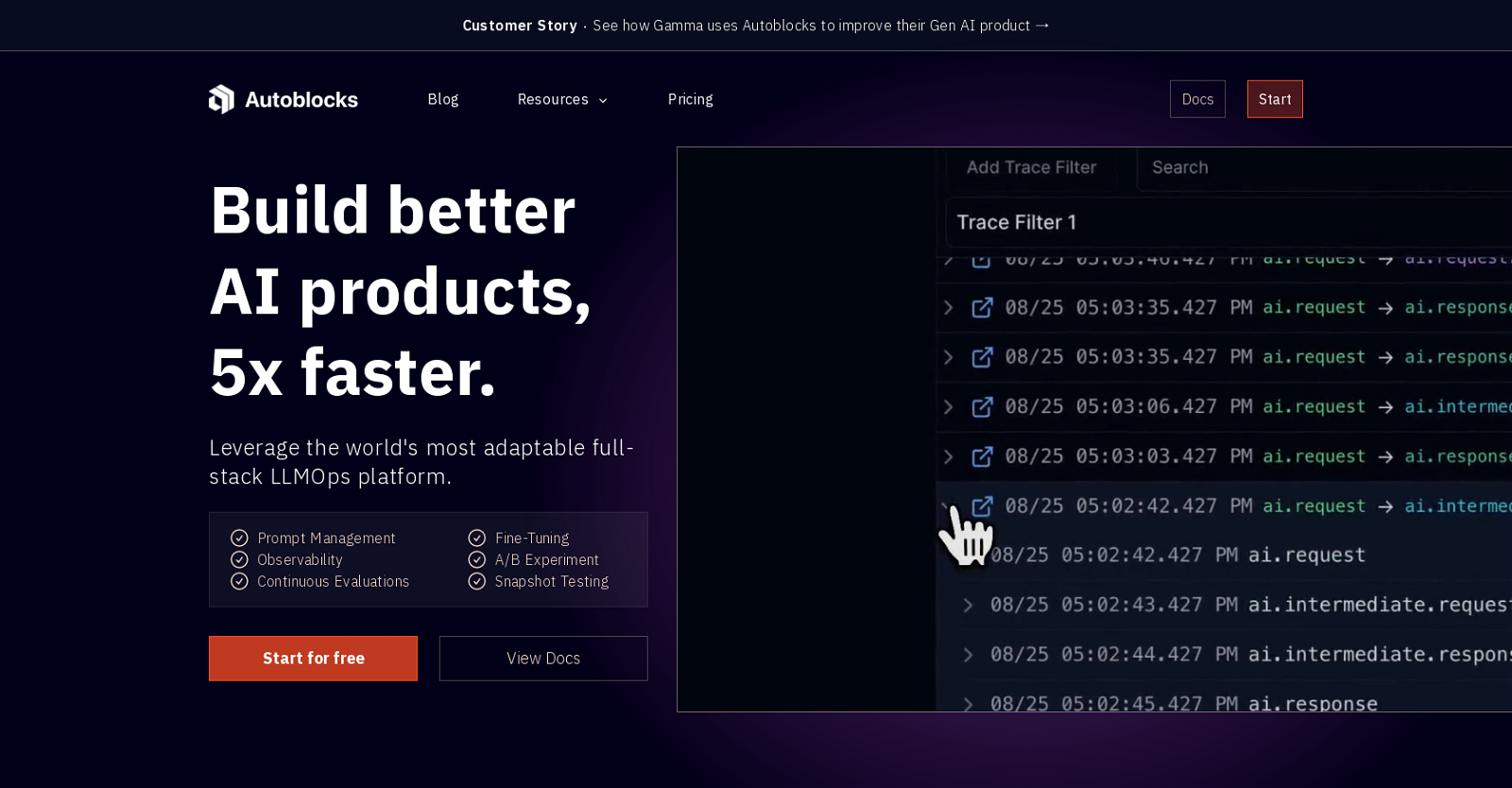
Autoblocks is a full-stack LLMOps platform that provides monitoring, debugging, and testing capabilities for AI products. It allows users to build better AI pro

# Freemium# Developer Tools# debugging
Multiplayer.app

Multiplayer.app

Multiplayer records full-stack sessions. Where traditional recordings stop at the UI, we go deeper. We capture the entire stack (frontend screens, backend trace

# Freemium# Developer Tools# debugging
Grit.io

Grit.io

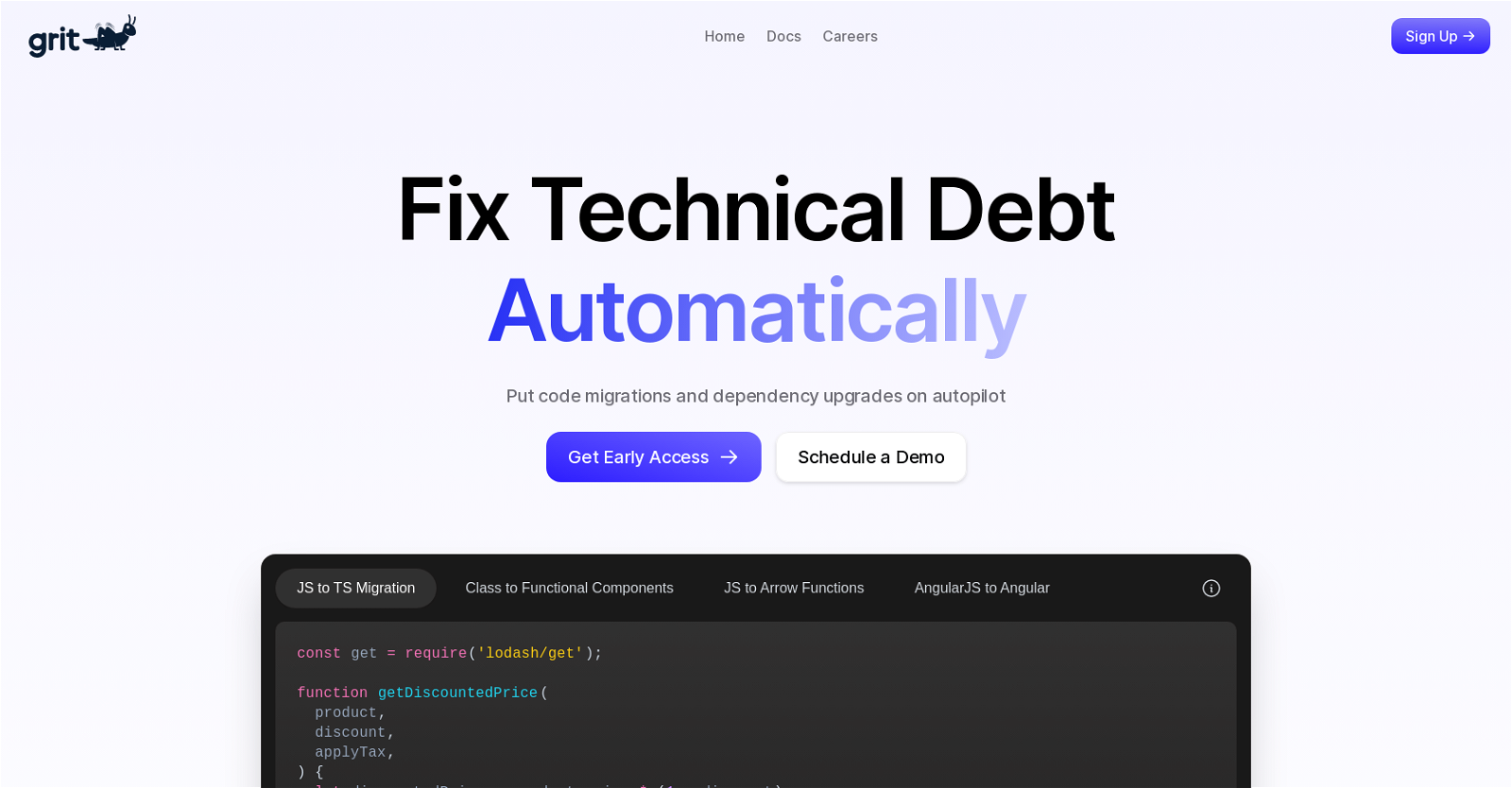
Grit is an AI tool that automates the process of fixing technical debt in code. It achieves this by combining static analysis with machine learning techniques t

# Freemium# Developer Tools# debugging
Andres GPT

Andres GPT

Andres GPT is an AI tool designed to assist with bug fixing in various programming languages. Users can input an error message, and the tool will provide releva

# Freemium# Developer Tools# debugging
Engine Labs

Engine Labs

Building a simple app takes weeks. You need to configure your cloud, set up a database, build a backend, build a frontend, integrate auth, wire it up, deploy it

# Freemium# Developer Tools# coding
FluxAI

FluxAI

AI tool for coding

# Freemium# Developer Tools# coding
The Coder

The Coder

AI tool for coding

# Freemium# Developer Tools# coding
Jit Codes

Jit Codes

JIT.codes is an AI-powered tool that transforms text into code. Users are required to have an OpenAI API key to use the tool, which is stored locally on their b

# Freemium# Developer Tools# coding